Setup Your Virtual
Classroom Solution
Engage, Educate, Empower

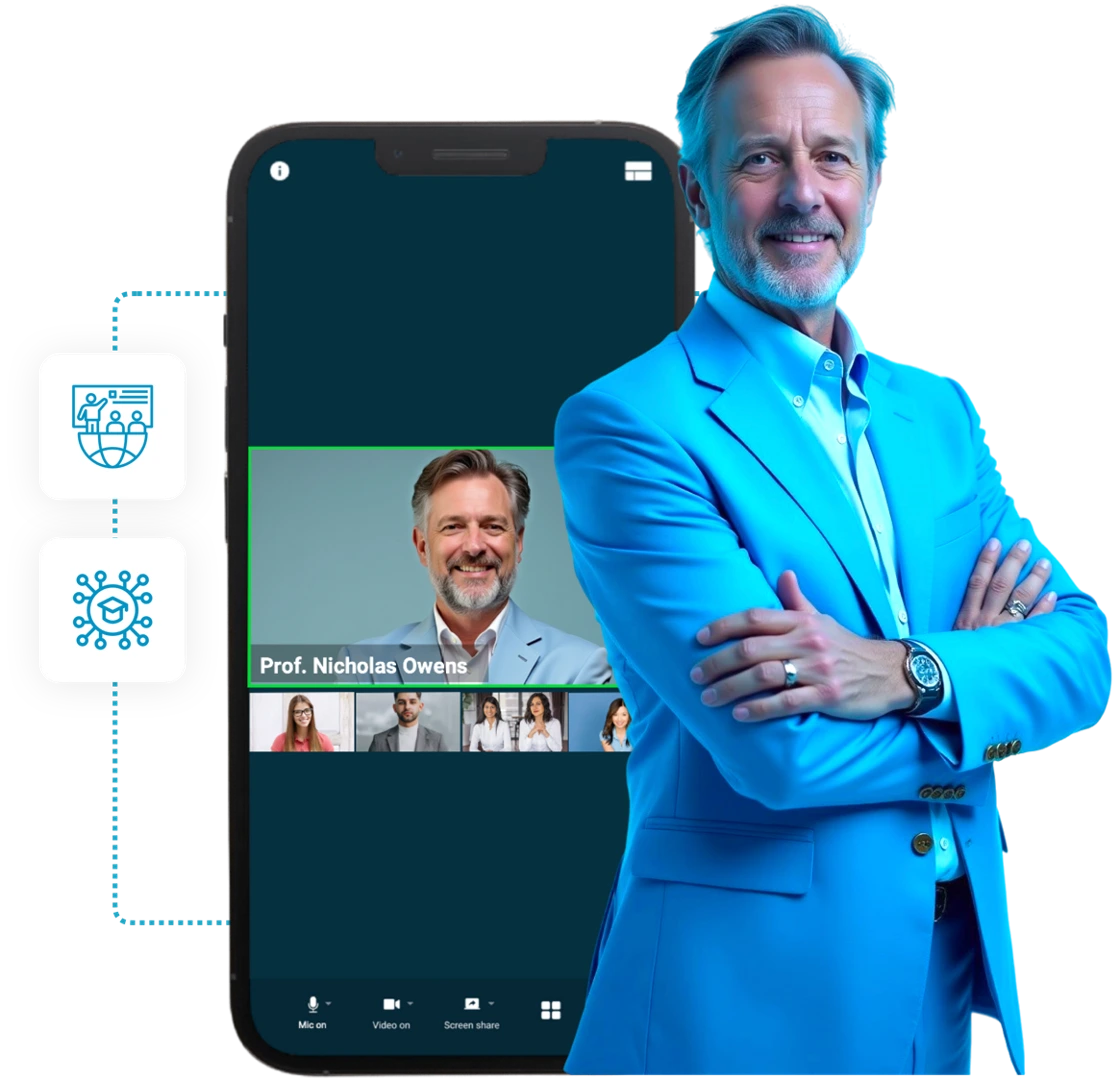
Seamless video conferencing, interactive learning tools, and real-time collaboration with all in one online classroom platform.
Setup Your Virtual

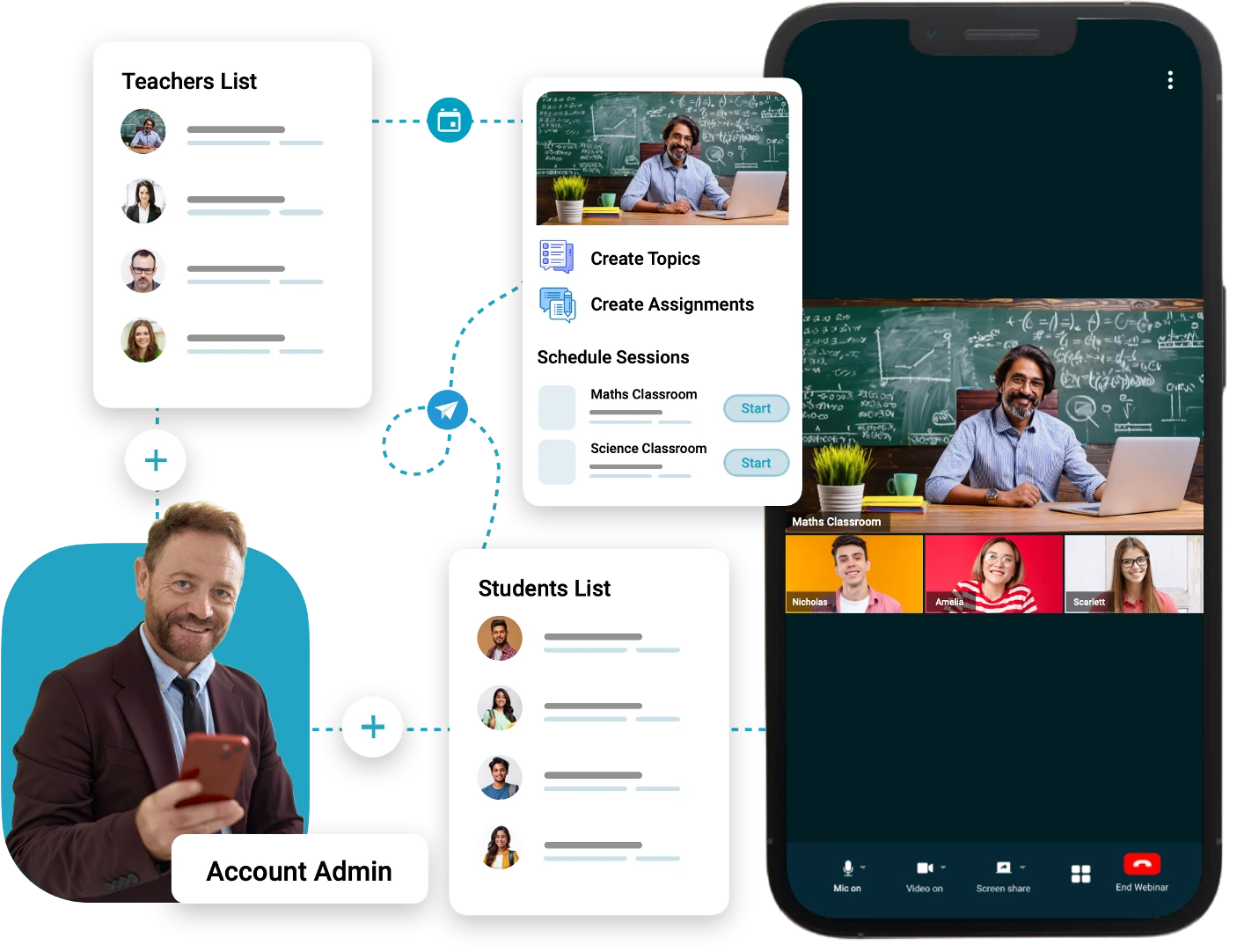
For Educational Institutes

Build a scalable and customizable e-learning ecosystem for your organization

For Educators

Deliver live classes, manage assessments, and engage students interactively.

For Students

Access lessons, collaborate with peers, and learn from anywhere.
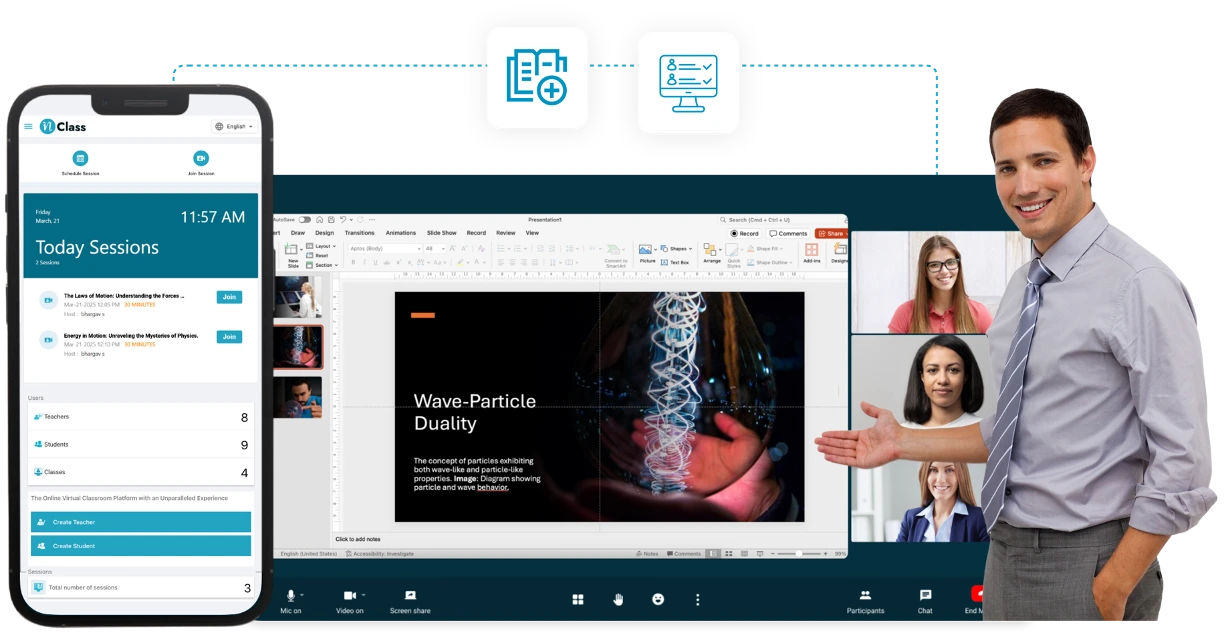
From Traditional to Digital
A Complete Virtual Classroom Experience

title
icon

Secure and Seamless Collaboration

Uses WebRTC with 256-bit AES encryption for secure interactions, enhancing engagement while safeguarding against unauthorized access and breaches.

icon

Effortless Deployment & Administration

Simplifies implementation, cuts deployment time, lowers costs, and integrates easily, letting institutions focus on enhancing learning over administrative tasks.

icon

Future-Ready Global Collaboration

Connects students worldwide, fostering cross-cultural understanding and preparing them for success in a globalized world by expanding educational horizons.

icon

Tailored Solutions for Every Institution

Offers customization for institutions, allowing tailored features, branding, and integrations for a personalized, effective learning experience.

icon

Record & Share Live Online Classes

Enables live classes from any location, with recording and sharing options for lectures, offering flexibility and wider access to educational content.

icon

Learning Flexibility & Expert-Led Learning

Offers learning flexibility and access to educational content from anywhere, enriching curriculum with industry insights for diverse learning opportunities

Why Choose inClass?
A secure online platform connects hospitals, doctors, and home patients

High-Quality Video & Audio

High-Quality Video & Audio

Experience seamless, real-time teacher-student interactions with ultra-clear video and sound.

Flexible Scheduling & Notifications

Flexible Scheduling & Notifications

Easily schedule, reschedule, or cancel classes with manual notifications to keep students and teachers informed.

Interactive Whiteboard & Annotations

Interactive Whiteboard & Annotations

Engage students with real-time drawings, notes, and diagrams for better concept understanding.

Session Recording & Cloud Storage

Session Recording & Cloud Storage

Record lessons and store them for easy student access and revision anytime.

Secure & Encrypted Learning Environment

Secure & Encrypted Learning Environment

WebRTC-based encrypted video calls ensure secure, private, and confidential online learning.

LMS Integration & API Support

LMS Integration & API Support

Seamlessly integrates with existing Learning Management Systems and supports custom API integrations.

Scalability & Customization

Scalability & Customization

Easily expand your virtual classroom, customize branding, and configure settings to match your institution’s needs.

Easy IT Administration

Easy IT Administration

inClass can be deployed, and managed effortlessly, even with minimal IT support.

Effortless Deployment

Effortless Deployment

Easily implement and manage inClass with minimal IT support, ensuring smooth administration.
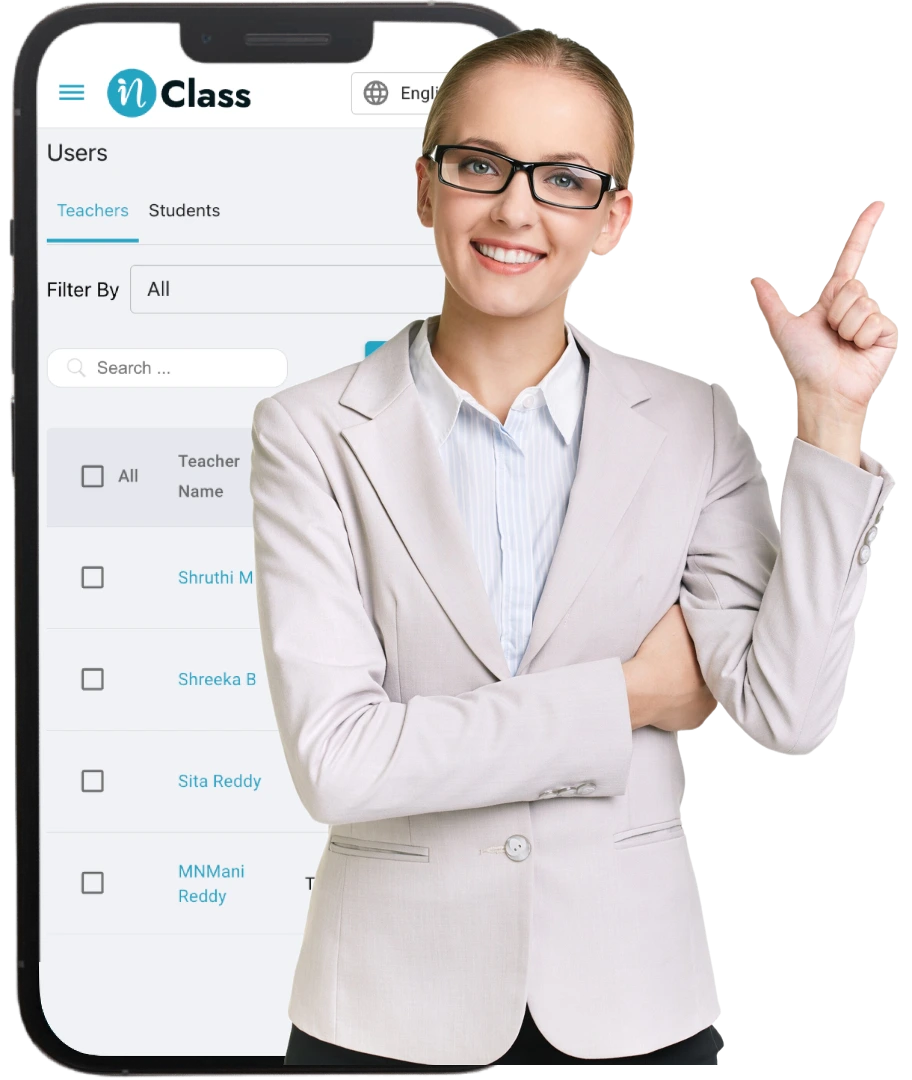
Smart, Simple, and Secure
Our Virtual Classroom Core Features

img
iconUp to 4K UHD Virtual Classroom
iconEasy Schedule Classes
iconContent Creation & Management
iconQuick Assignments Creations
iconPolling Feature
iconExpert-Led Learning
iconBreakout Rooms
iconWhite Labeling & Branding
iconQuestionnaire Assignments

A Smarter Way to Connect
How inClass Enhances Education

FAQ Image

Steps To Build & Manage Your Own Ecosystem

1

Seamless Engagement Anywhere

Engage students wherever they are located, synchronously and asynchronously, with interactive video conferencing and recordings that live on after the lectures are complete.
2

Connectivity Across Campuses

Advance research projects faster with collaborators at other campuses through interactive video, audio, and content sharing.
3

Revitalize Lectures

Energize lectures with video interviews of remote guest speakers.
4

Virtual Office Beyond Borders

Offer virtual office hours from home or other remote locations.

Who Can Benefit from inClinic
Transforming Healthcare for Every Stakeholder

Schools, Colleges & Universities

Schools, Colleges & Universities

Schools, Colleges & Universities

  • Principals, Vice Principals – Oversee digital transformation of education.
  • Deans & Academic Directors – Manage online course delivery and student engagement.
  • Department Heads – Facilitate seamless faculty coordination and curriculum execution.
Distance Learning Institutes & Virtual Learning Universities

Distance Learning Institutes & Virtual Learning Universities

Distance Learning Institutes & Virtual Learning Universities

  • Directors of Distance Learning – Implement hybrid and online education strategies.
  • E-learning Coordinators – Ensure smooth adoption of virtual classrooms.
  • Heads of Digital Education – Drive digital innovation in academic institutions.
Coaching Centers & Independent Trainers

Coaching Centers & Independent Trainers

Coaching Centers & Independent Trainers

  • Directors of Coaching Institutes – Deliver structured, high-impact learning sessions.
  • Academic Coordinators & Trainers – Leverage virtual tools for student engagement.
  • EdTech Course Creators – Build and monetize online courses with scalable infrastructure.
Corporate Training & Professional Development

Corporate Training & Professional Development

Corporate Training & Professional Development

  • Learning & Development Directors – Conduct employee upskilling and professional training.
  • Chief Learning Officers (CLOs) – Optimize workforce training through scalable online education.
  • HR & Training Managers – Facilitate continuous education programs for employees.
Government & Public Sector Learning Initiatives

Government & Public Sector Learning Initiatives

Government & Public Sector Learning Initiatives

  • Education Ministries & Public Institutions – Deploy large-scale digital education programs.
  • Public Training Departments – Provide skill development and certification programs.
  • Health & Safety Training Organizations – Conduct compliance and regulatory training.
Medical & Healthcare Education

Medical & Healthcare Education

Medical & Healthcare Education

  • Medical Schools & Teaching Hospitals – Facilitate virtual lectures, case discussions, and live simulations.
  • Nursing & Allied Health Training Programs – Provide remote learning opportunities for healthcare students.
  • Healthcare Consultants & Advisors – Deliver expert training and digital learning programs.

Achieving Success with inClass
Discover How inClass Delivers Improved Outcomes

DMI - ST.EUGENE

DMI - ST.EUGENE 

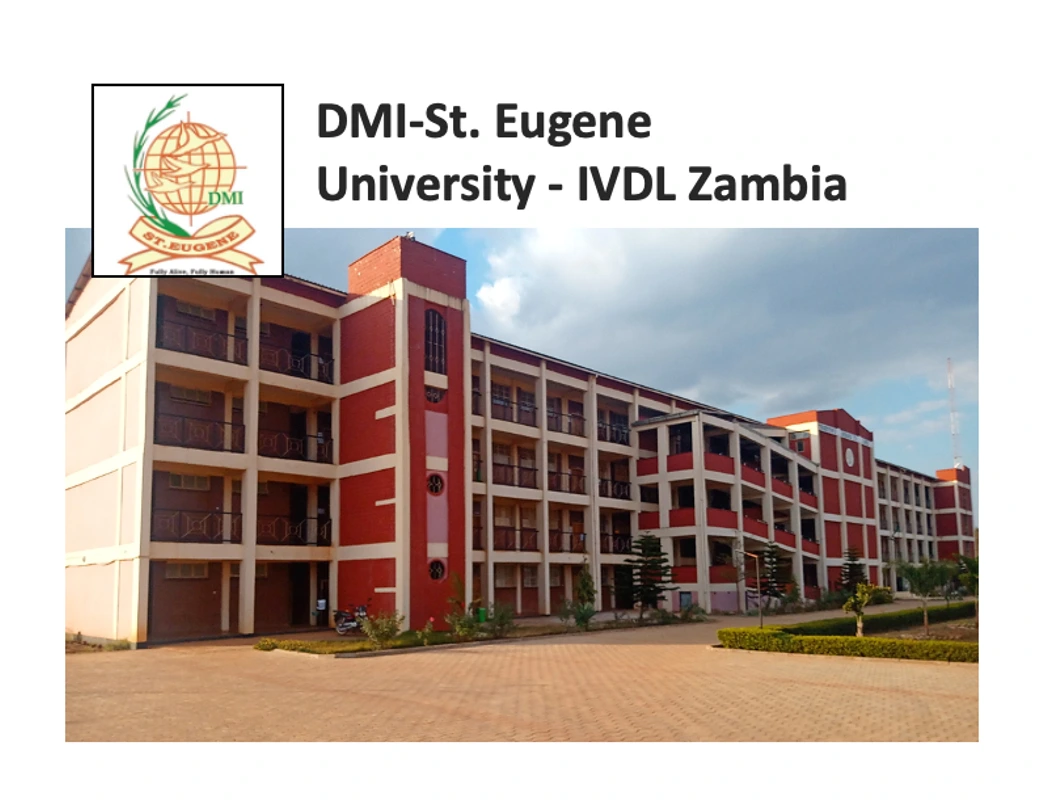
Connecting Classrooms Across African Continents.

With inClass solution by instaVC, DMI-St.Eugene successfully conducts multi-location e-learning classes across the African continent, overcoming connectivity challenges. The platform enables them to invite expert guest speakers from around the world, enriching the learning experience for their students and fostering global collaboration.

Panjab University

Panjab University 

Transforming Education with Video Conferencing Solutions.

The inClass solution by instaVC was implemented at Panjab University, seamlessly integrating with existing infrastructure. Training sessions familiarized users with the platform, while organizing virtual classes and teacher training modules to enhance educational outcomes.

Frequently Asked Questions - inClass
Find answers to common questions and learn more about using inClass.

1. Can inClass be integrated with my existing applicaiton?

1. Can inClass be integrated with my existing applicaiton?

Yes, inClass can be seamlessly integrated with your existing applicaiton. Whether you have a learning management system or a standalone educational platform, our solution can be customized to blend with your current setup, maintaining branding consistency and enhancing user experience.

2. What are the minimum requirements for the Virtual Classrooms?

2. What are the minimum requirements for the Virtual Classrooms?

To access Virtual Classrooms, users need a stable internet connection, a modern web browser (Chrome, Firefox, Safari), and basic audio/video capabilities. No complex software downloads are required, ensuring accessibility across different devices and operating systems.

3. How many students and teachers can join my platform?

3. How many students and teachers can join my platform?

Platforms support scalable participation, accommodating hundreds of students and multiple teachers simultaneously. Whether you're hosting large lectures or interactive small-group sessions, our platform ensures smooth performance and effective engagement for all participants.

4. Does the inClass platform offer breakout rooms?

4. Does the inClass platform offer breakout rooms?

Yes, inClass includes breakout rooms functionality. This feature allows educators to divide participants into smaller groups for discussions, collaborative activities, or focused sessions within the same virtual classroom environment. It enhances interaction and enables personalized learning experiences.

5. What are the common features of virtual Classroom software?

5. What are the common features of virtual Classroom software?

Virtual classroom software typically includes essential features such as live video conferencing, interactive whiteboards, screen sharing, real-time chat, breakout rooms, and session recording. It also supports file sharing, polls, quizzes, attendance tracking, and integrations with Learning Management Systems (LMS).